Connect Kimi Code CLI to Moyi API
Kimi Code is an AI coding service for developers. Kimi Code CLI is its terminal-based AI agent. After connecting it to Moyi API, Kimi Code calls kimi-k3 through Moyi API's OpenAI-compatible gateway.
Install Kimi Code CLI
If Kimi Code CLI is already installed, skip to "Connect Kimi Code to Moyi API".
Kimi Code CLI can be installed in two ways: the official install script (recommended, no Node.js required) or a global npm install.
First, open your terminal:
- macOS: open Terminal from Applications.
- Windows 11: press
Win + S, search for Terminal, and open it. - Windows 10: press
Win + S, search for Terminal, then open Command Prompt or PowerShell.
Install script (recommended)
macOS / Linux:
curl -fsSL https://code.kimi.com/kimi-code/install.sh | bash
Windows PowerShell:
irm https://code.kimi.com/kimi-code/install.ps1 | iex
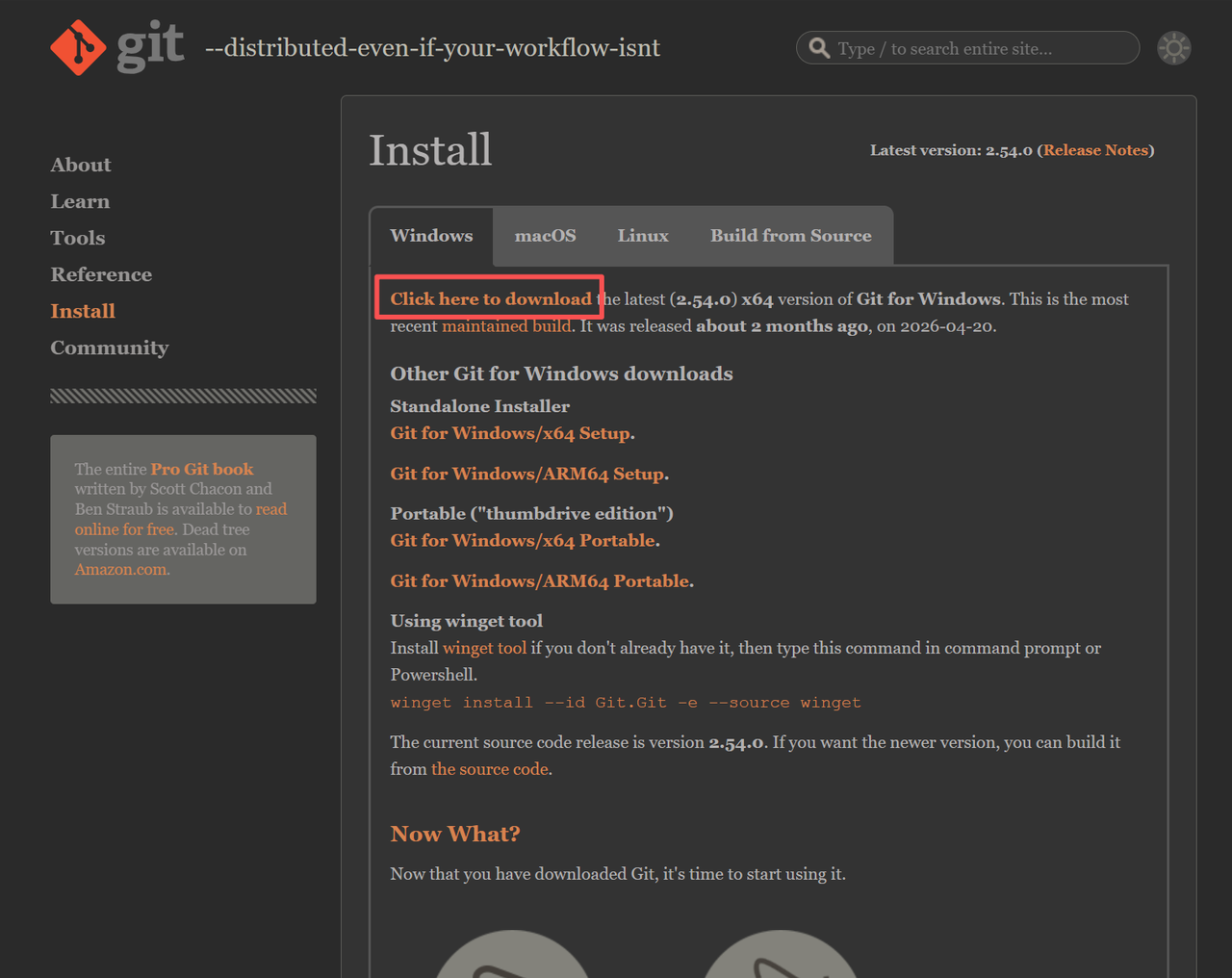
Windows users also need Git for Windows before the first launch.
Download and install it from the Git website. You do not need to open Git separately after installation.
npm install
If you prefer npm, install Node.js 22.19.0 or later first.
Check your Node.js version:
node --version
Install Kimi Code:
npm install -g @moonshot-ai/kimi-code
Or use pnpm:
pnpm add -g @moonshot-ai/kimi-code
Connect Kimi Code to Moyi API
After Kimi Code CLI is installed, run the commands below. Replace your Moyi API API Key with the API key you created in the Moyi API dashboard.
macOS / Linux:
SHELL_RC="$HOME/.zshrc"; case "$SHELL" in *bash*) SHELL_RC="$HOME/.bashrc";; esac
cat >> "$SHELL_RC" <<'EOF'
export KIMI_MODEL_NAME=kimi-k3
export KIMI_MODEL_PROVIDER_TYPE=openai
export KIMI_MODEL_API_KEY=your Moyi API API Key
export KIMI_MODEL_BASE_URL=https://api.moyiapi.com/v1
export KIMI_MODEL_MAX_CONTEXT_SIZE=1048576
EOF
source "$SHELL_RC"
Windows PowerShell:
$env:KIMI_MODEL_NAME = "kimi-k3"
$env:KIMI_MODEL_PROVIDER_TYPE = "openai"
$env:KIMI_MODEL_API_KEY = "your Moyi API API Key"
$env:KIMI_MODEL_BASE_URL = "https://api.moyiapi.com/v1"
$env:KIMI_MODEL_MAX_CONTEXT_SIZE = "1048576"
Launch Kimi Code
After configuration, run:
kimi
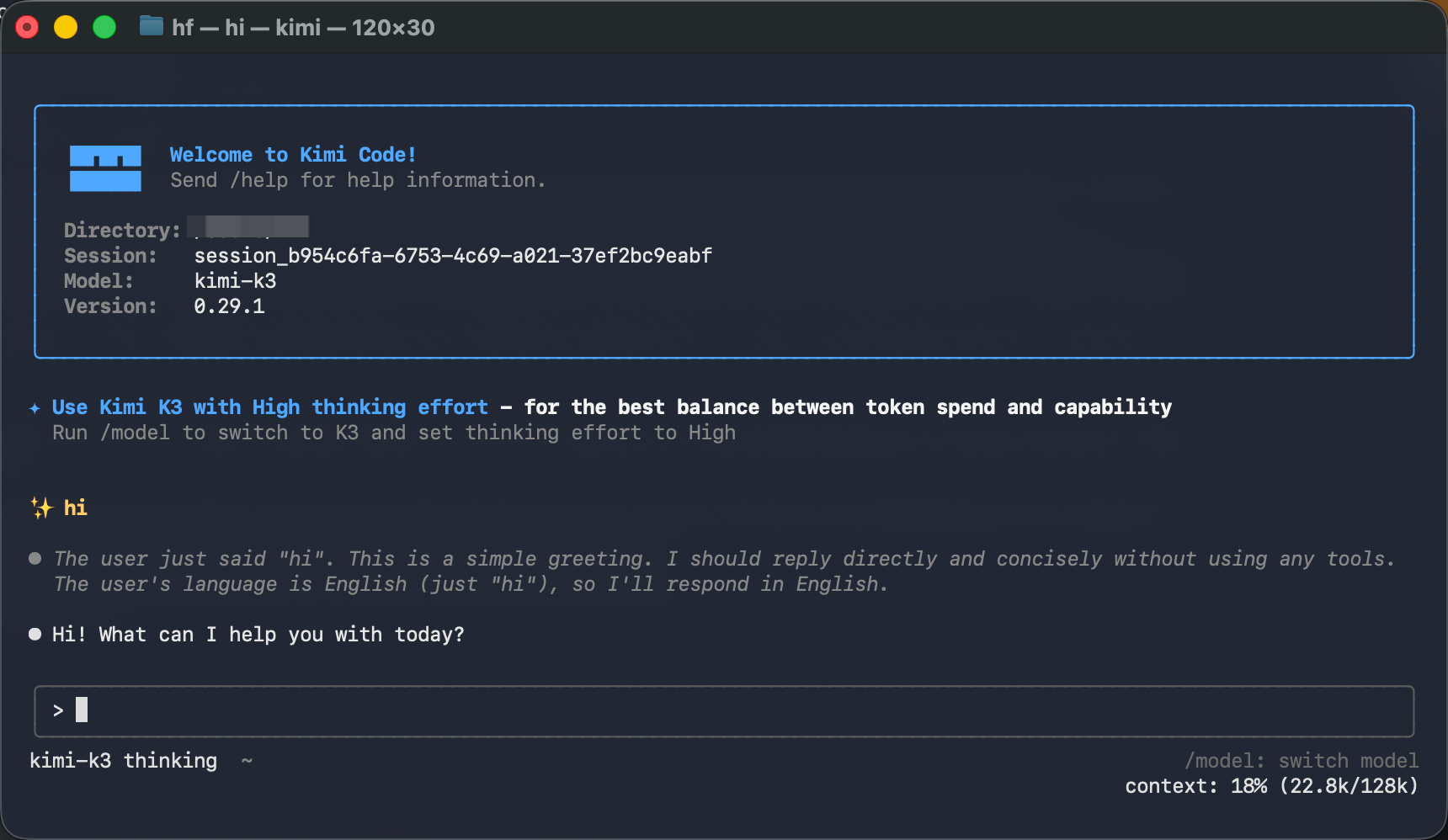
Kimi Code CLI will start and route requests through Moyi API.
You can check per-request usage in the Moyi API dashboard.