Connect Codex Desktop to Moyi API
Codex Desktop is OpenAI's desktop AI coding assistant. Follow the steps below to install it and connect it to Moyi API.
Download Codex Desktop
Skip this section if Codex Desktop is already installed.
-
Download Codex Desktop for your system from the official OpenAI website, then install it.
-
Open the installer and finish the installation. Linux users should use the CLI version for now. See Connect Codex CLI to Moyi API.
Update the system configuration file
macOS / Linux
Open a terminal, paste the full block below, and press Enter:
mkdir -p ~/.codex && cat > ~/.codex/config.toml <<'EOF'
model_provider = "moyiapi"
model = "gpt-5.6-sol"
model_reasoning_effort = "high"
[model_providers.moyiapi]
name = "Moyi API"
base_url = "https://api.moyiapi.com/v1"
env_key = "OPENAI_API_KEY"
wire_api = "responses"
EOF
Windows
Open PowerShell, paste the full block below, and press Enter:
New-Item -ItemType Directory -Force -Path "$HOME\.codex" | Out-Null
@'
model_provider = "moyiapi"
model = "gpt-5.6-sol"
model_reasoning_effort = "high"

[model_providers.moyiapi]
name = "Moyi API"
base_url = "https://api.moyiapi.com/v1"
env_key = "OPENAI_API_KEY"
wire_api = "responses"
'@ | Set-Content -Path "$HOME\.codex\config.toml" -Encoding UTF8
Set the API key
Replace <your-Moyi API-key> with your own API key. You can create it in the Moyi API dashboard.
macOS
echo 'export OPENAI_API_KEY="<your-Moyi API-key>"' >> ~/.zshrc
source ~/.zshrc
Linux
echo 'export OPENAI_API_KEY="<your-Moyi API-key>"' >> ~/.bashrc
source ~/.bashrc
Windows
[Environment]::SetEnvironmentVariable("OPENAI_API_KEY", "<your-Moyi API-key>", "User")
Windows users: after running the command above, fully close Codex Desktop and open it again so it can read the new environment variable.
Launch Codex Desktop
Open Codex Desktop. If it was already running, quit it completely and reopen it.
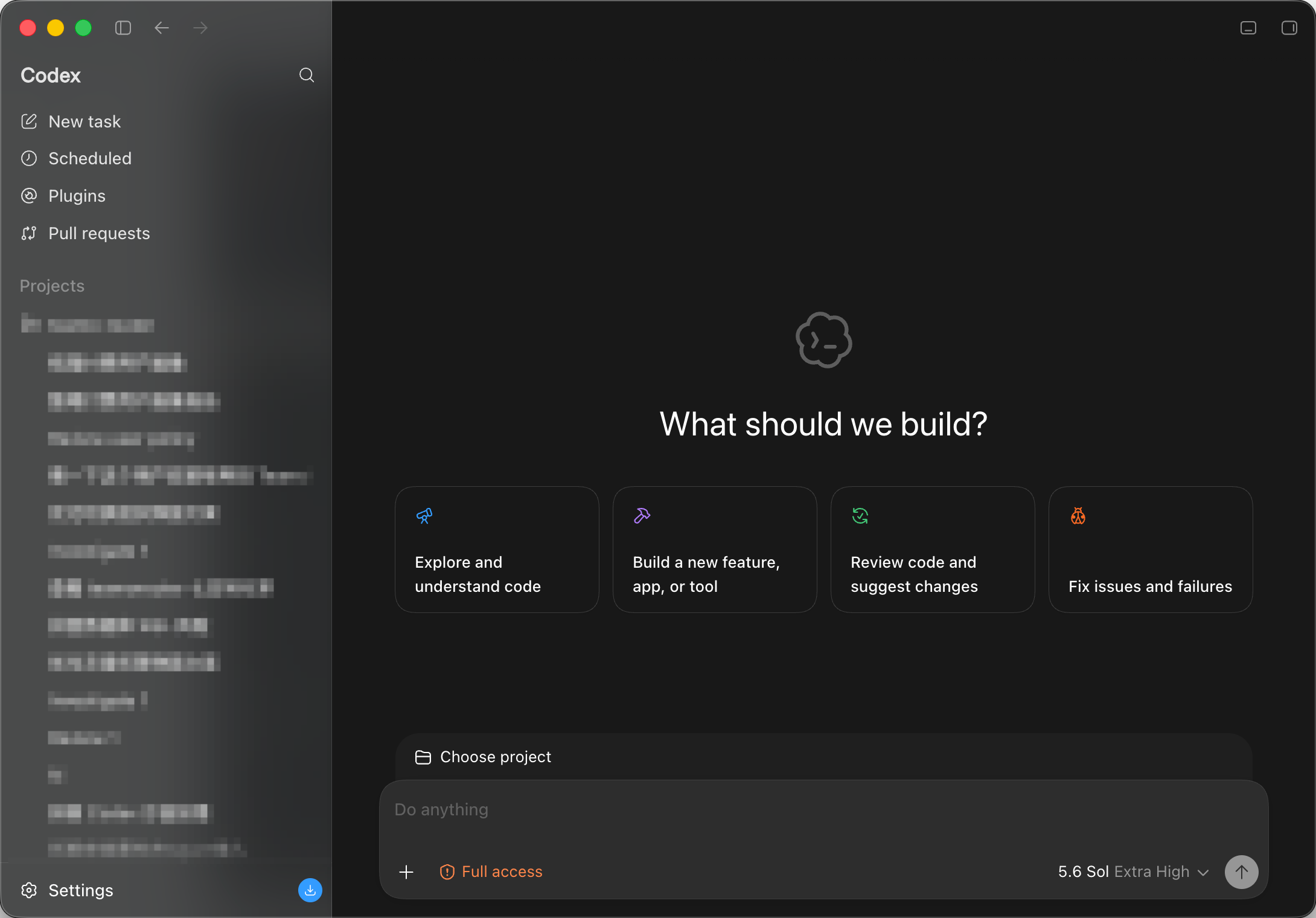
You can review usage for each request in the Moyi API dashboard.