Connect Claude Desktop to Moyi API
Claude Desktop is Anthropic's official desktop app, with Claude Code built in. Use CC Switch to connect it to Moyi API.
Set up with CC Switch
CC Switch is a graphical tool for managing and switching the Claude endpoint and key configuration.
Install Claude Desktop and CC Switch
If Claude Desktop and CC Switch are already installed, skip to the next section.
Install Claude Desktop
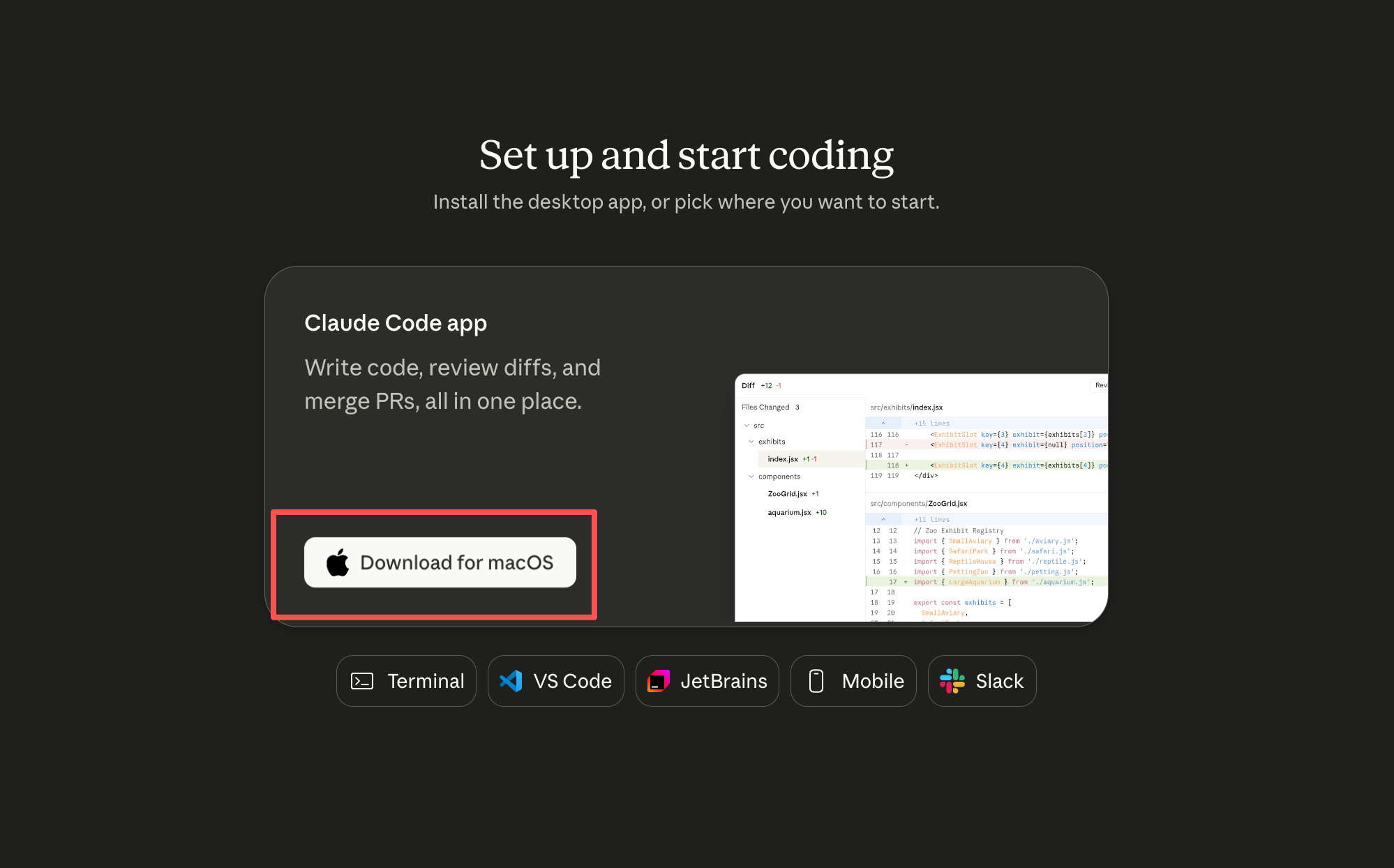
- Download the Claude app for your system from the Claude website, then install it.
Install CC Switch
Use version 3.16.5 or later. macOS users can install it with Homebrew:
brew install --cask cc-switch
Or download the installer from CC Switch Releases:
- macOS:
.dmgor.zip - Windows:
.msiinstaller or portable.zip - Linux:
.deb,.rpm, or.AppImage
If macOS Gatekeeper blocks the first launch, open System Settings, go to Privacy & Security, and allow the app.
Connect Moyi API with CC Switch
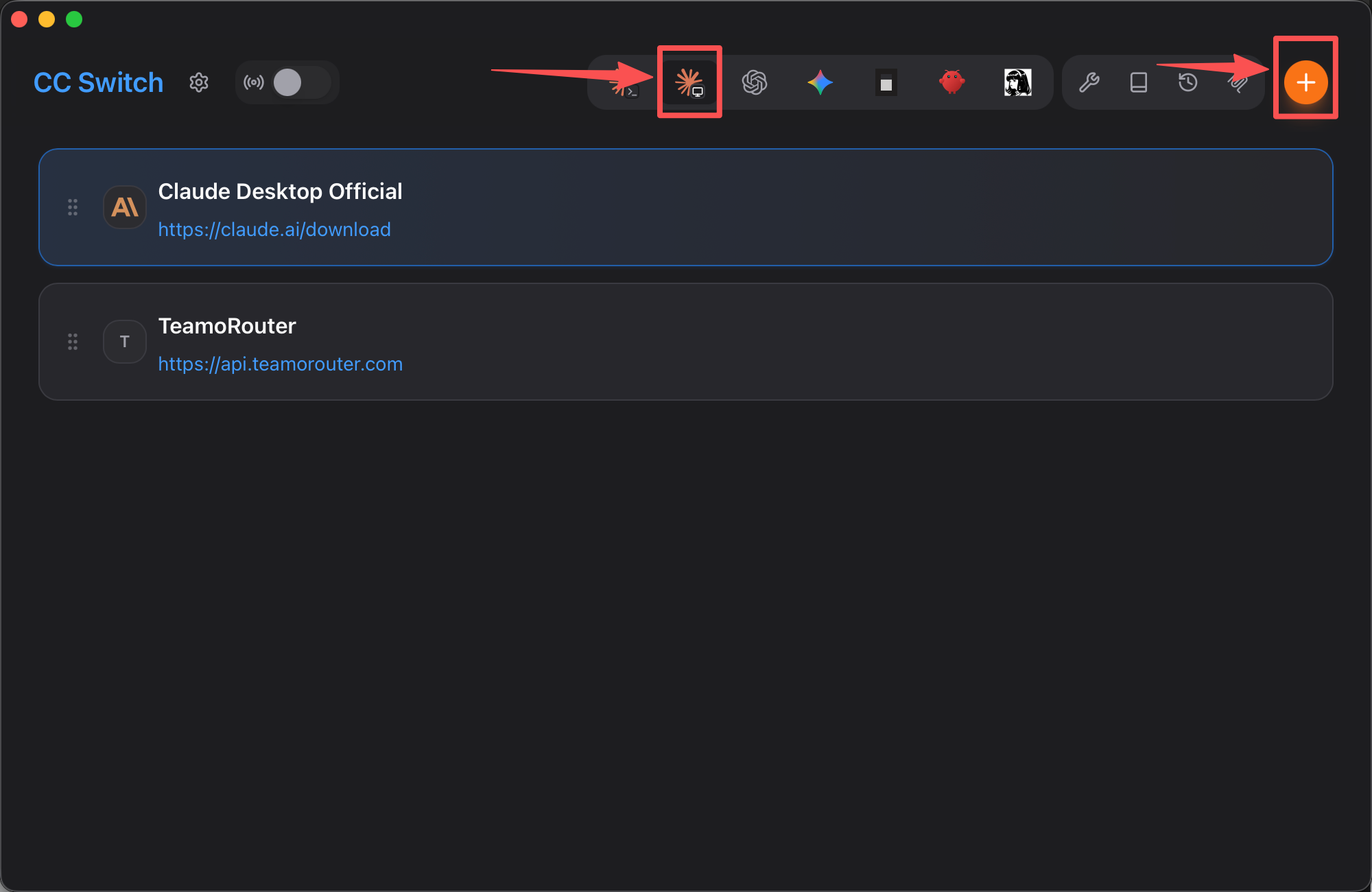
In the Claude Desktop tab of CC Switch, click the orange plus button in the top-right corner.
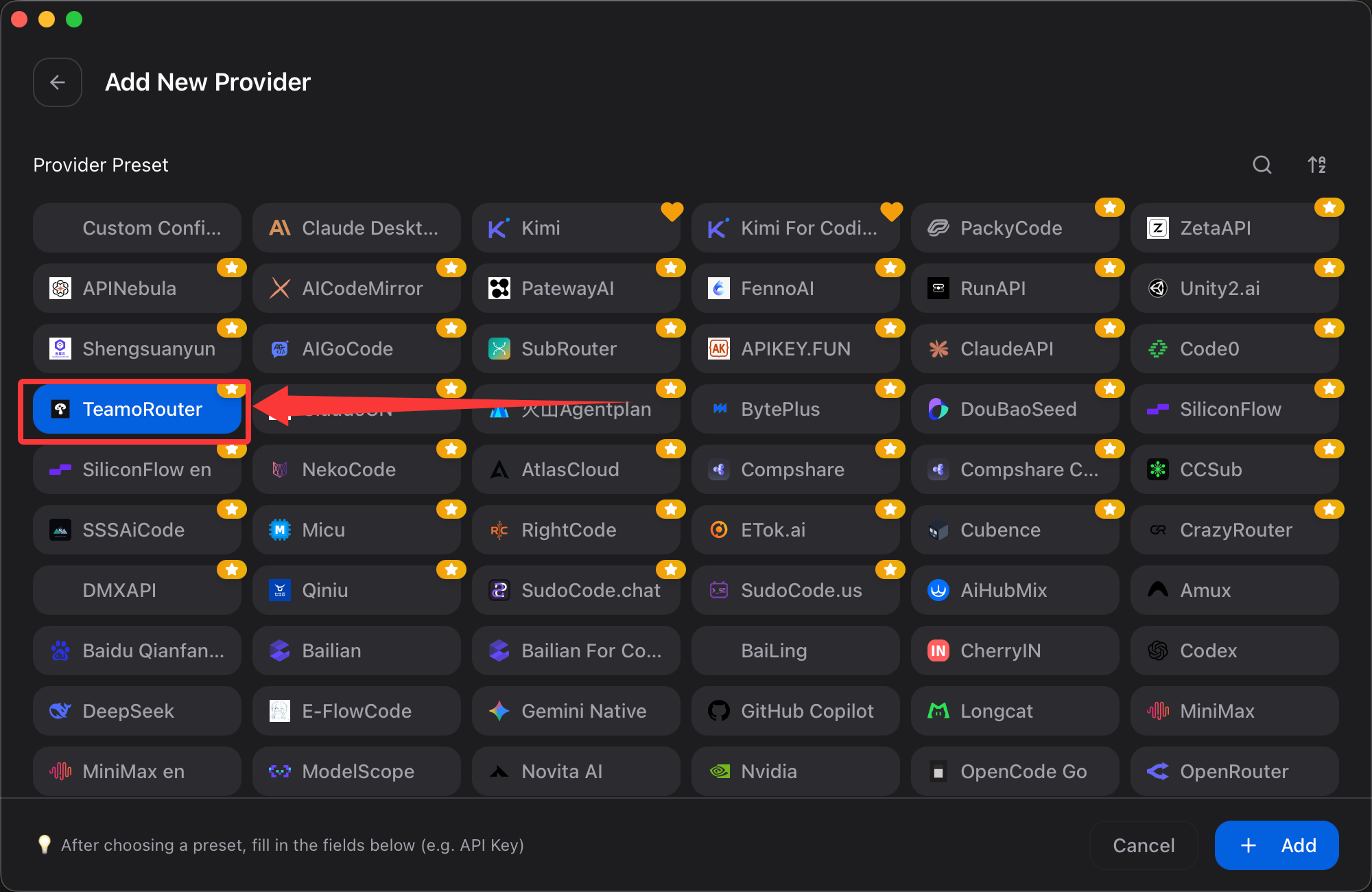
- Find Moyi API in Preset providers, or search for Moyi API.
- Enter the API key you created in the Moyi API dashboard.
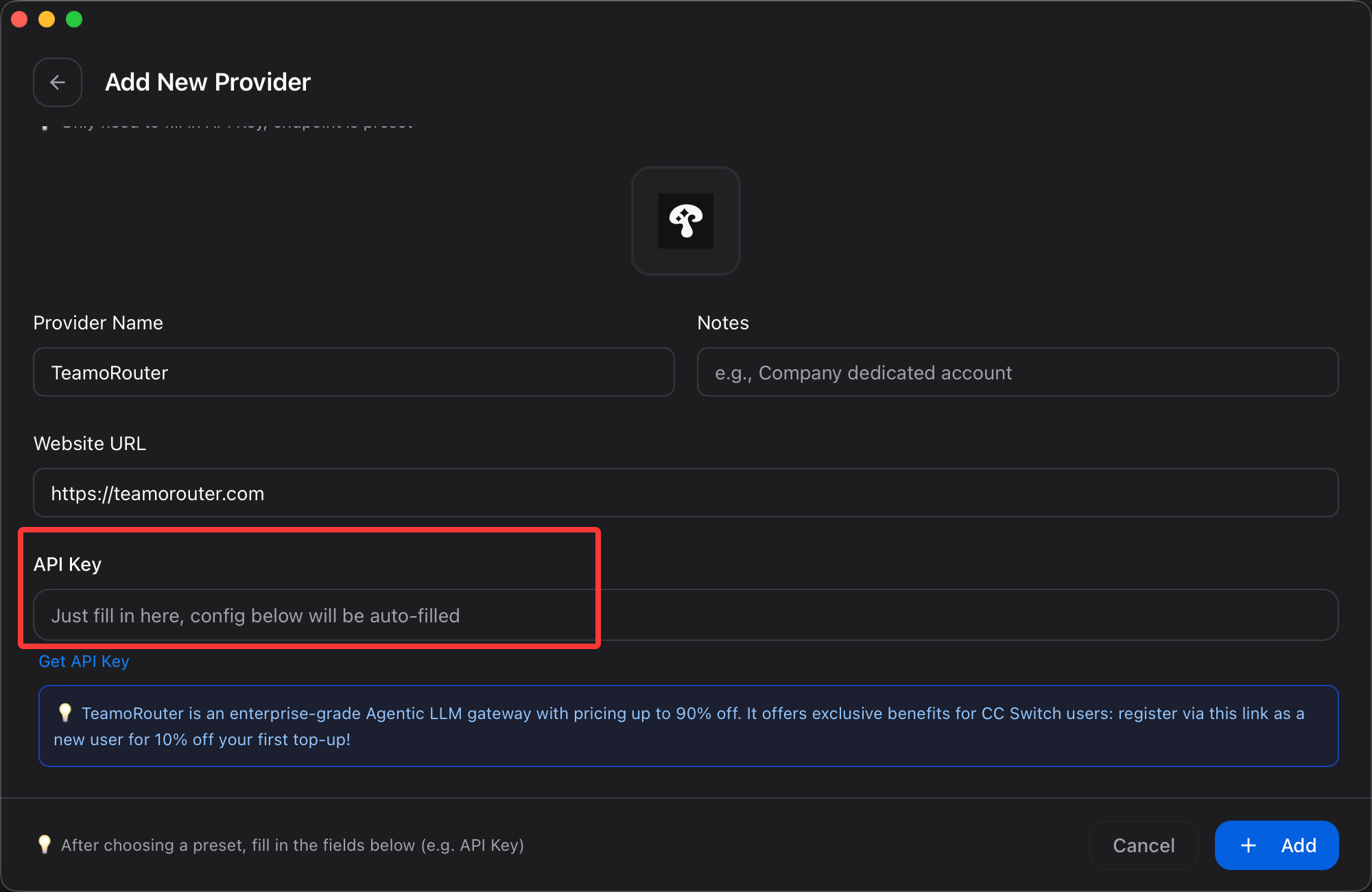
- Click Save in the lower-right corner.
Enable Moyi API on the home screen, then open Claude Desktop.
If Claude Desktop is already open, restart it once.
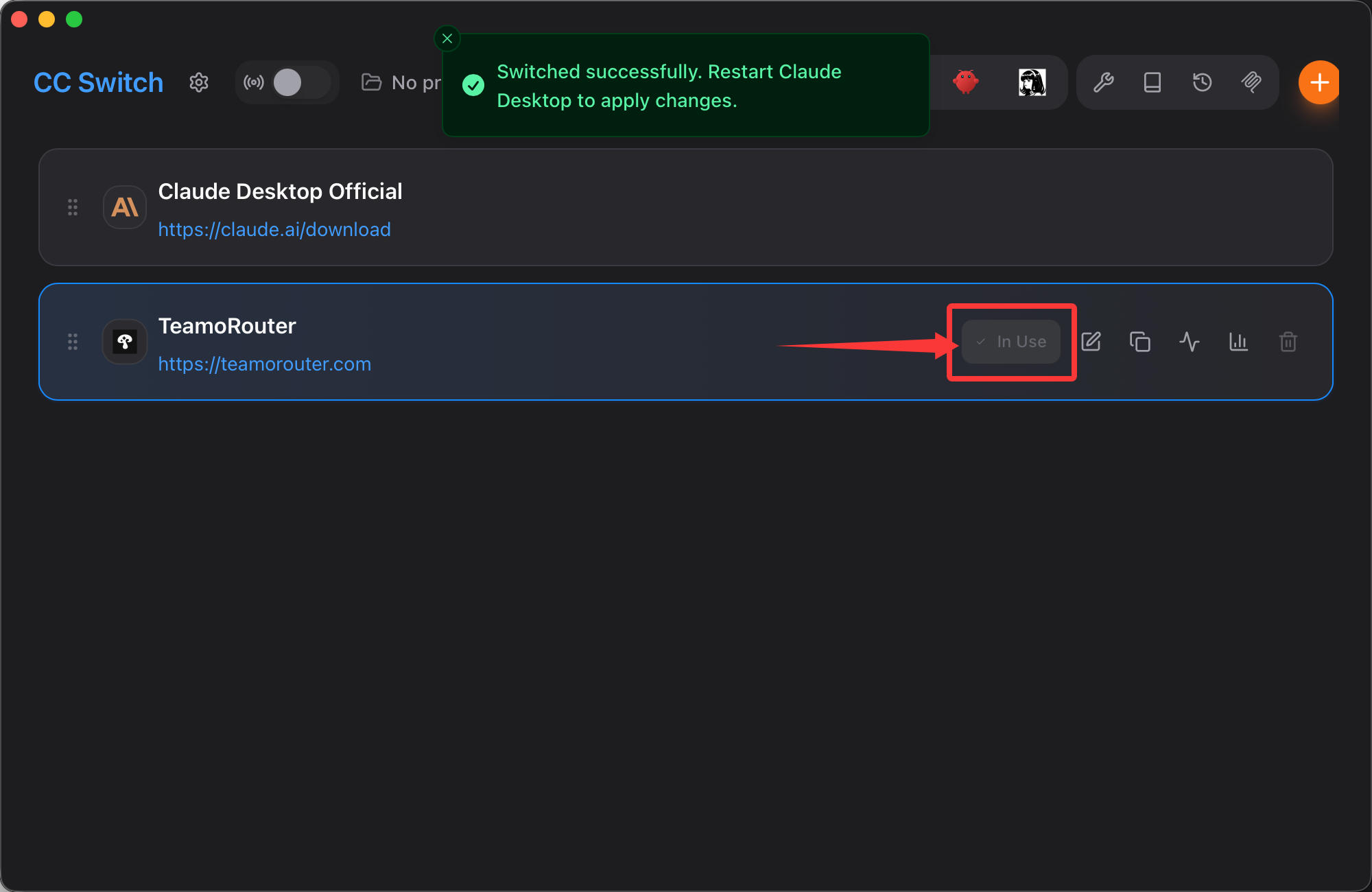
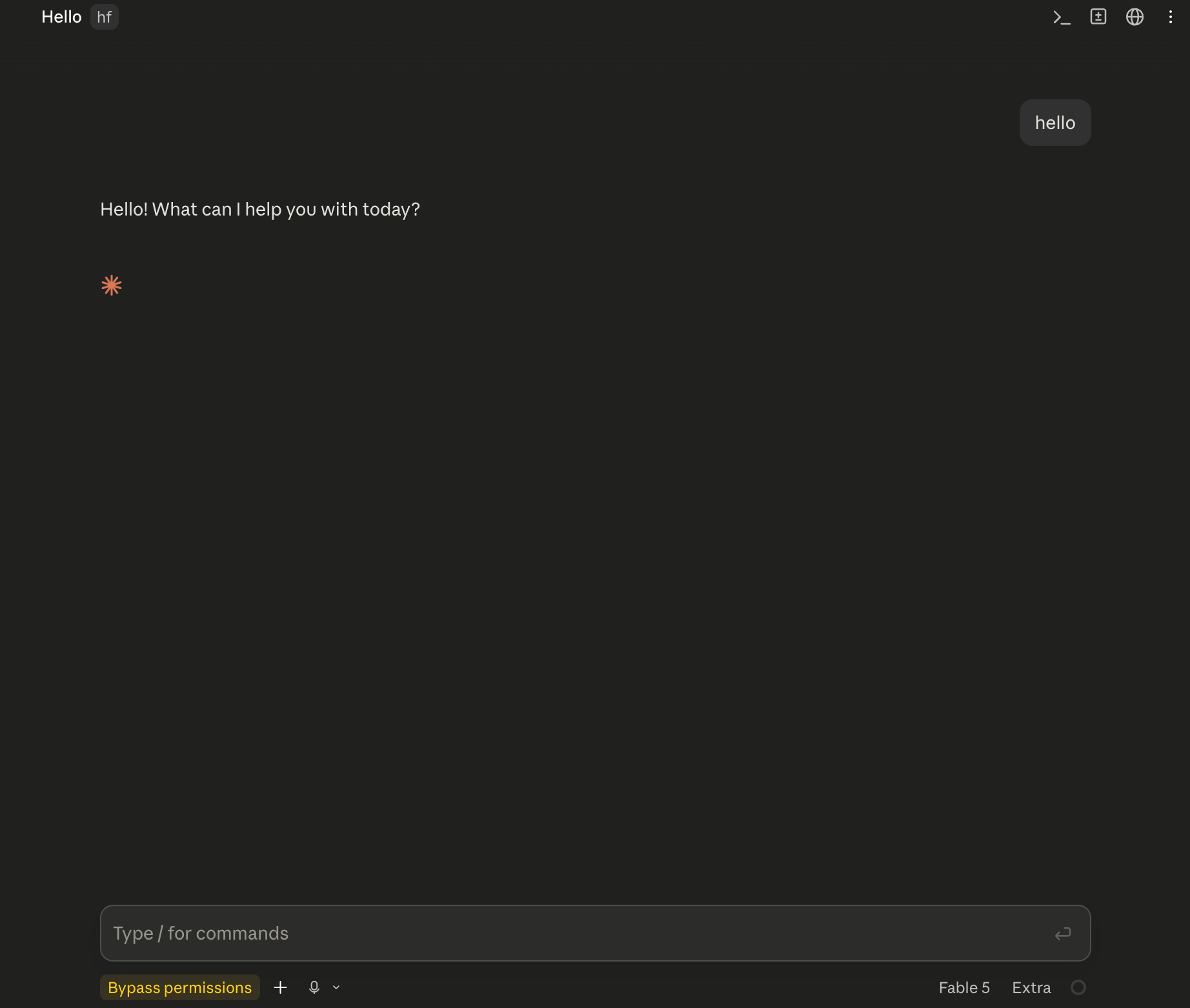
Open Claude Desktop and start using it.
You can review usage for each request in the Moyi API dashboard.
Troubleshooting
On Windows, if Claude Desktop shows the following error:
Virtual Machine Platform not available
Claude's workspace requires the Virtual Machine Platform on Windows. Enable this feature, then restart.
Follow these steps and it will work normally:
- Press
Win + R, typeoptionalfeatures, and press Enter. - Find and check "Virtual Machine Platform", then click OK.
- Restart your computer, then open Claude Desktop again.